SquirrelCast-Public
Telemetry
SquirrelCast supports telemetry from compatible DJI drones and from the ELRS backpack over Wi-Fi.
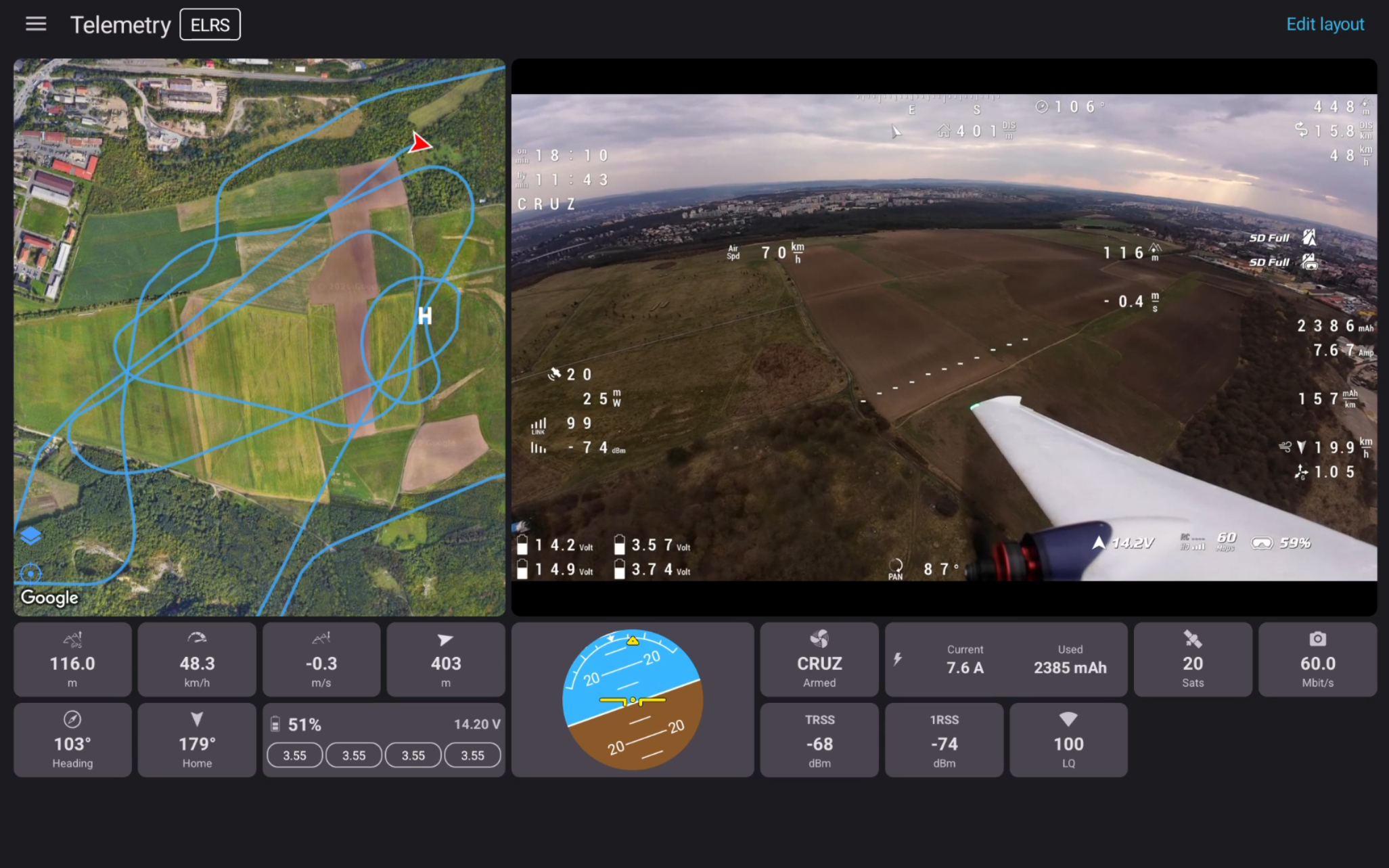
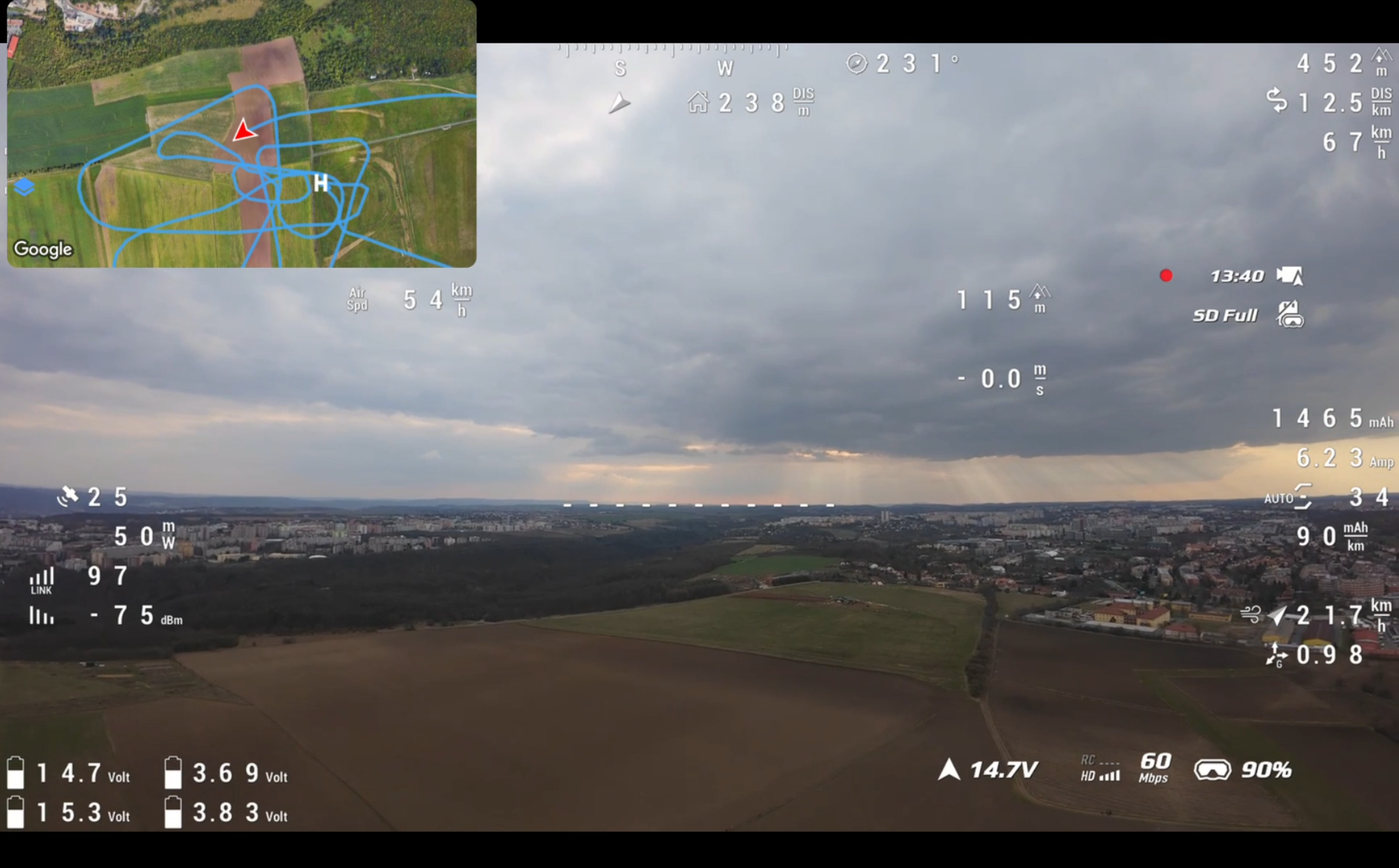
Viewing telemetry in the app
SquirrelCast has two main places where telemetry can be viewed inside the app:
- the Telemetry tab
- the map overlay in the Player
The app supports both landscape and portrait mode. The Telemetry tab is usually easiest to use in landscape, especially on larger screens, but it also works in portrait. For telemetry viewing, the best experience is usually on a tablet.
For more detail, see Viewing telemetry in the app.
Viewing telemetry while streaming
When streaming video over Wi-Fi to a browser, SquirrelCast can also export telemetry to the Web UI, including the map and selected stats.
For more detail, see Viewing telemetry in the Web UI and Streaming Video Over Wi-Fi.
Supported telemetry sources and protocols
- DJI drones can send telemetry directly through the goggles connection.
- ELRS backpack over Wi-Fi currently works using CRSF telemetry over Wi-Fi UDP broadcast.
- MAVLink support in the app is planned, but it is not available yet.
For setup details, see:
Logging and tools
Telemetry can also be logged to CSV and used with the parsing tool.