SquirrelCast-Public
Receiving Telemetry From DJI Drones
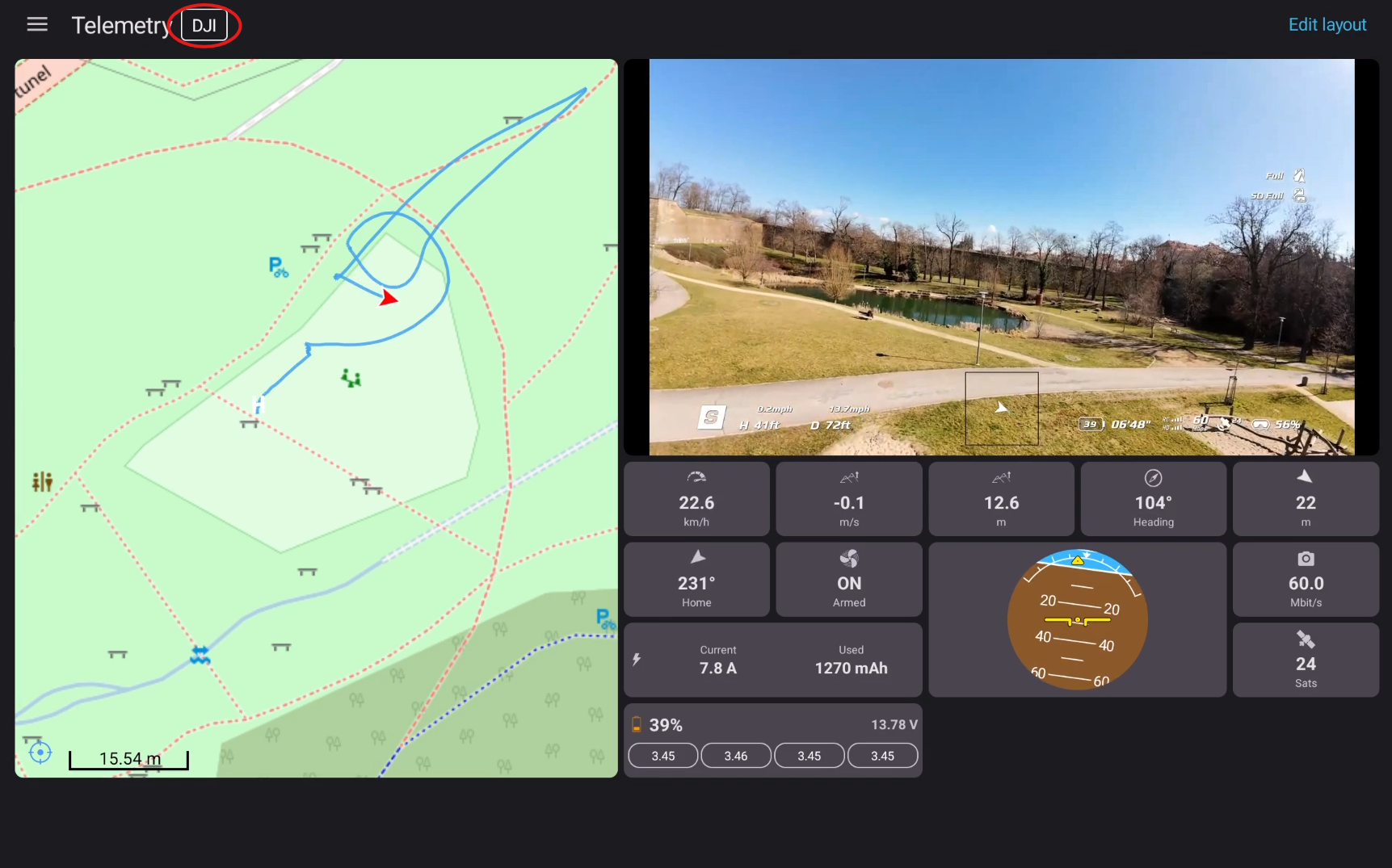
Getting telemetry from a DJI drone is straightforward. Connect the goggles to a compatible DJI drone, then open the Telemetry tab in SquirrelCast.
Supported DJI drones include:
- DJI Neo series
- DJI Avata series
- Compatible DJI Mini drones
If telemetry is being received, the DJI telemetry indicator at the top of the Telemetry tab will show that it is active.
If you are using a DJI air unit instead of a DJI drone, see Receiving telemetry from the ELRS backpack over Wi-Fi.